Display
This module controls the 5×5 LED display on the front of your board. It can be used to display images, animations and even text.
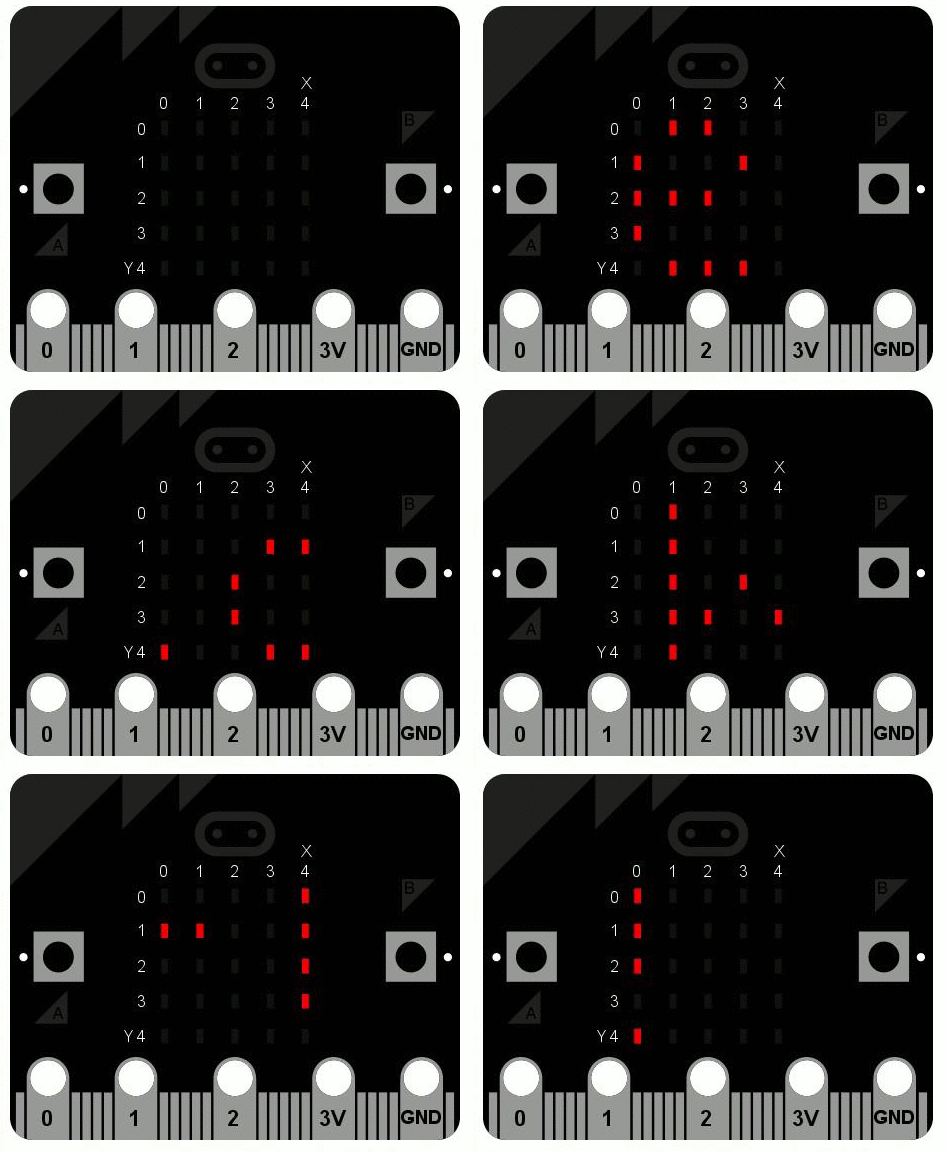
Functions
-
microbit.display.get_pixel(x, y)¶ Return the brightness of the LED at column
xand rowyas an integer between 0 (off) and 9 (bright).
-
microbit.display.set_pixel(x, y, value)¶ Set the brightness of the LED at column
xand rowytovalue, which has to be an integer between 0 and 9.
-
microbit.display.clear()¶ Set the brightness of all LEDs to 0 (off).
-
microbit.display.show(image)¶ Display the
image.
-
microbit.display.show(iterable, delay, wait=True, loop=False, clear=False) Display images or letters from the
iterablein sequence, withdelaymilliseconds between them.If
waitisTrue, this function will block until the animation is finished, otherwise the animation will happen in the background.If
loopisTrue, the animation will repeat forever.If
clearisTrue, the display will be cleared after the iterable has finished.
-
microbit.display.scroll(string, delay=400)¶ Similar to
show, but scrolls thestringhorizontally instead. Thedelayparameter controls how fast the text is scrolling. This function blocks until it is finished.